Steal a Brainrot Trading Value Update: Why SAB Prices Change After Every Patch
Why SAB trading values change after updates, events, new Secret brainrots, mutation shifts, trait stacks, income changes, and exist count movement.
Social Share or Summarize with AI
On this page
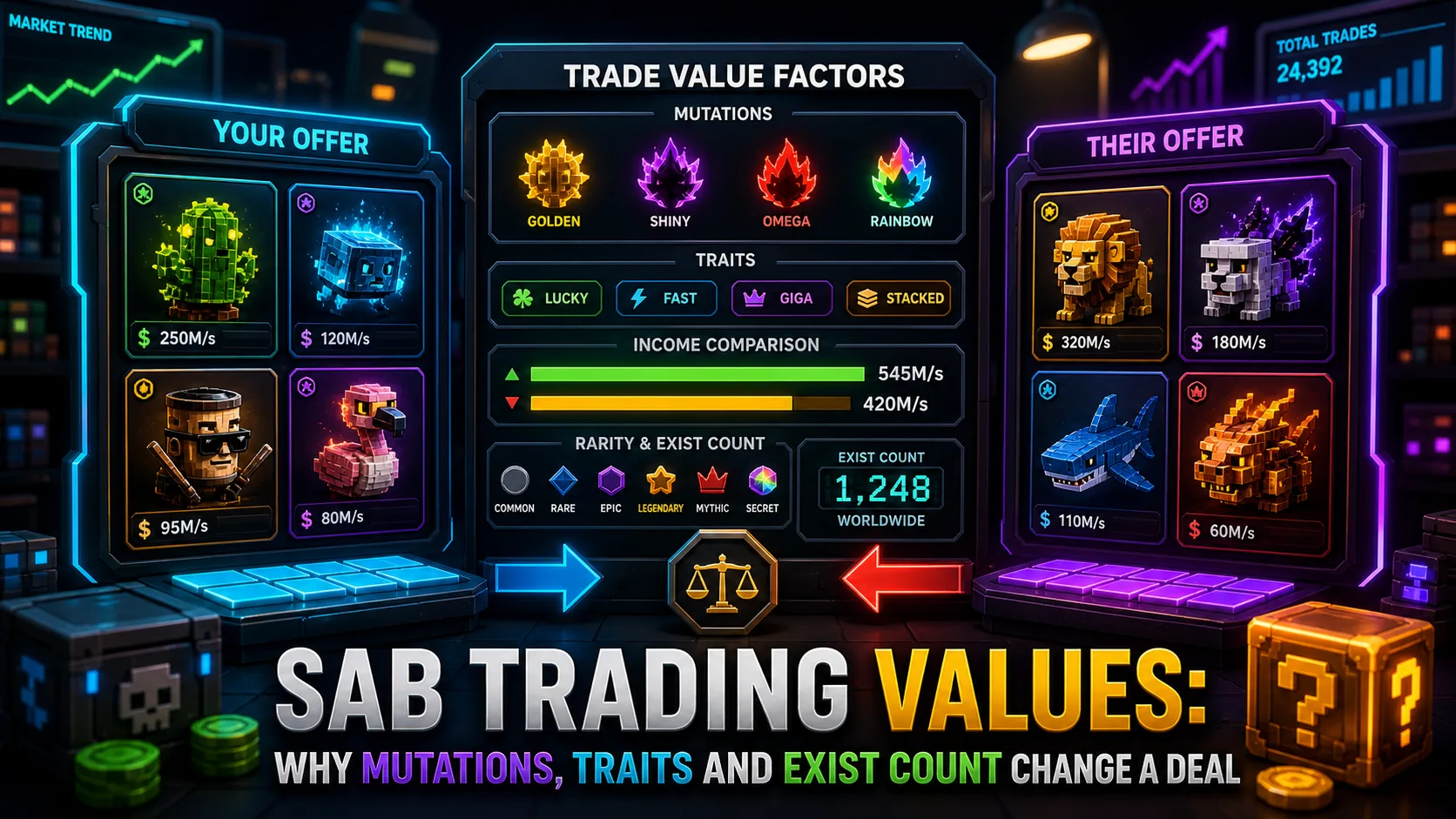
Steal a Brainrot trading value can change quickly after every SAB patch. A brainrot that looked like a strong hold last week can lose momentum after a new Secret, a limited stock release, a mutation shift, an Admin Abuse event, or a sharp exist count change. That is why players should treat every big trade as a fresh check, not a copy of yesterday's value.
This article is not a basic calculator tutorial. It explains why SAB prices move after updates, which signals matter most, and when to recheck a deal with the SAB trade value calculator before accepting.
Why SAB Trading Values Move After Updates
SAB trading values are community references, not official prices. They move when players start wanting different brainrots, when supply changes, or when an update makes an older item more useful than it was before. New Secret brainrots, limited event items, Lucky Block changes, craft needs, and seasonal events can all pull demand away from one item and push it toward another.
The most important point is simple: value is not just rarity. A rare label helps, but traders also care about how many copies exist, how much income the brainrot earns, which mutation it carries, which traits are attached, and whether the item is currently in demand.
Exist Count Is the First Signal to Check
Steal a Brainrot exist count list data is often the first signal to review after a patch. If a brainrot has a low count and demand is still strong, scarcity can support a higher trade value. If a new event increases supply, the same brainrot may become easier to find and trade lower than before.
Exist count should not be used alone. A low-count brainrot with weak demand can still move slowly, while a higher-count brainrot with strong demand can trade well because more players actually want it. The best check combines supply, demand, income, mutation, and traits instead of relying on one number.
Income Value and Trade Value Are Different
Income value tells you how useful a brainrot is for generating in-game income. Trade value tells you how much other players are likely to give for it. Those two signals often overlap, but they are not the same thing.
A high-income brainrot can be useful for farming but weaker in trading if many players already own it. A lower-income limited brainrot can trade higher if it has strong demand, a short release window, or a mutation combination collectors want. Before a major trade, compare both the income side and the trading side instead of assuming one explains the other.
Mutations and Traits Can Change the Same Brainrot
Two copies of the same brainrot can have very different trade value. A default version may be ordinary, while the same brainrot with a rare mutation or a strong trait stack can become much harder to replace. That difference is easy to miss when players only compare item names.
Use the mutation and trait value guide when you need a deeper explanation of why modifiers matter. For live trades, make sure the calculator entry matches the real mutation and traits shown in the trade window.
When Should You Recheck SAB Value?
Rechecking is most important when the market has had a reason to move. Do not rely on an old screenshot, an old chat message, or a value you remember from last week.
- After a Saturday update or major patch
- After Admin Abuse events add more supply or create new demand
- After a new Secret, limited brainrot, or Lucky Block item appears
- Before trading rare mutations or stacked traits
- When exist count changes sharply
- When a brainrot suddenly becomes popular in trade offers
How to Read a Value Drop
If your brainrot value drops after an update, it does not always mean the item became bad. Sometimes the market is only reacting to a temporary supply spike. Sometimes demand moved to a newer item. Sometimes players are overpaying for the newest release and ignoring older items for a few days.
The practical response is to check the current SAB value list, review the exist count, and compare the trade itself. If the offer still looks strong on both value and income, it may be fair. If one side only looks good because the other player is using stale numbers, wait or renegotiate.
Use the Calculator Before Accepting
Before accepting a high-value trade, add both sides to the SAB trade value calculator. Choose the correct mutation, add the real traits, compare income and value, then check WFL before trading.
Trading values after an update are never just one number. The safest read comes from combining exist count, demand, income, mutation, traits, and the current calculator result. Recheck before you click accept, especially when the item is rare, new, limited, or heavily mutated.