SAB Trade Calculator Guide: Check SAB Value, WFL and Brainrot Trades
Learn how to use the SAB Trade Calculator to compare Steal a Brainrot trades, check SAB value, calculate income, and read WFL results before trading.
Social Share or Summarize with AI
On this page
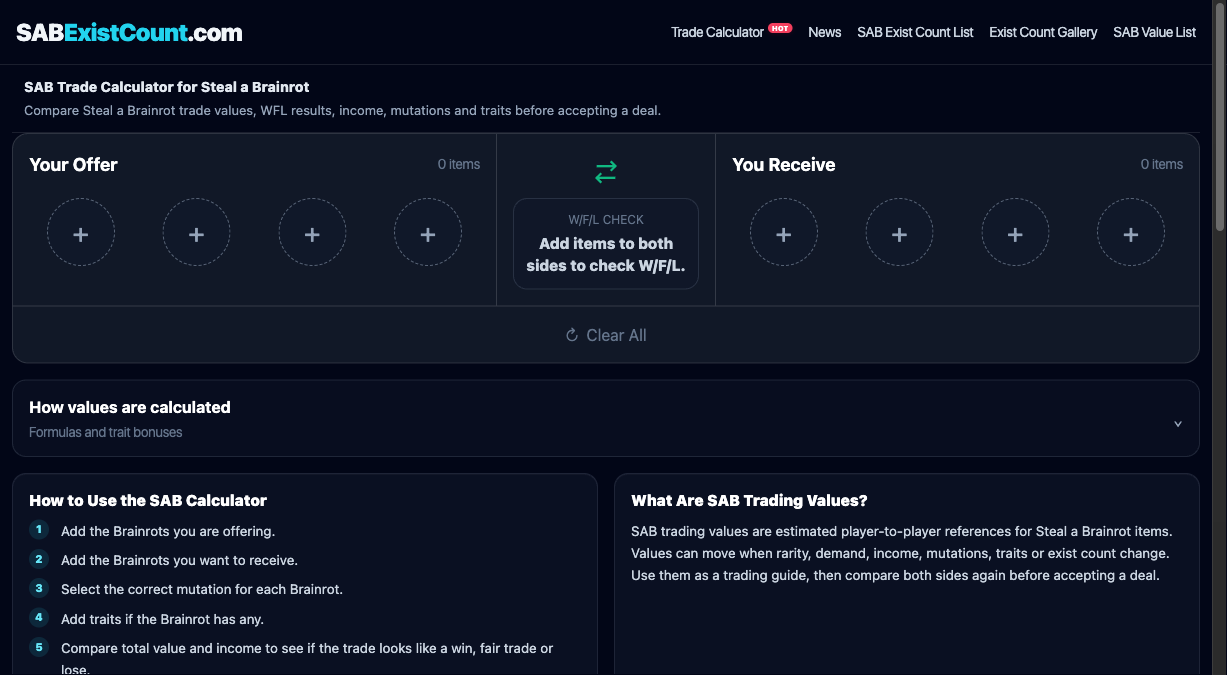
The SAB Trade Calculator helps players compare SAB trade offers, check SAB value, and read WFL results before accepting a Steal a Brainrot deal.
Instead of judging a trade only by item name, the calculator lets you add both sides, choose mutations and traits, then compare income and estimated value in one place.
What Is the SAB Trade Calculator?
The SAB Trade Calculator is a trade calculator for Steal a Brainrot items. It compares what you offer against what you receive and shows whether the trade looks like a win, fair trade or lose.
This is useful because SAB trade value can change when a Brainrot has a different mutation, extra traits, stronger income or lower exist count. A simple item-name check is often not enough.
How to Check SAB Value Before Trading
SAB value is a player-to-player reference for how a Brainrot may trade in the current market. A SAB value calculator helps you compare both sides before you click accept.
Values are not official prices. Use them as a guide, then check demand, rarity, exist count, mutation and traits before making a final decision.
How the Brainrot Calculator Flow Works
The Brainrot calculator flow starts with the offer and receive sides. Add the Brainrot you are giving, then add the Brainrot you want to receive.
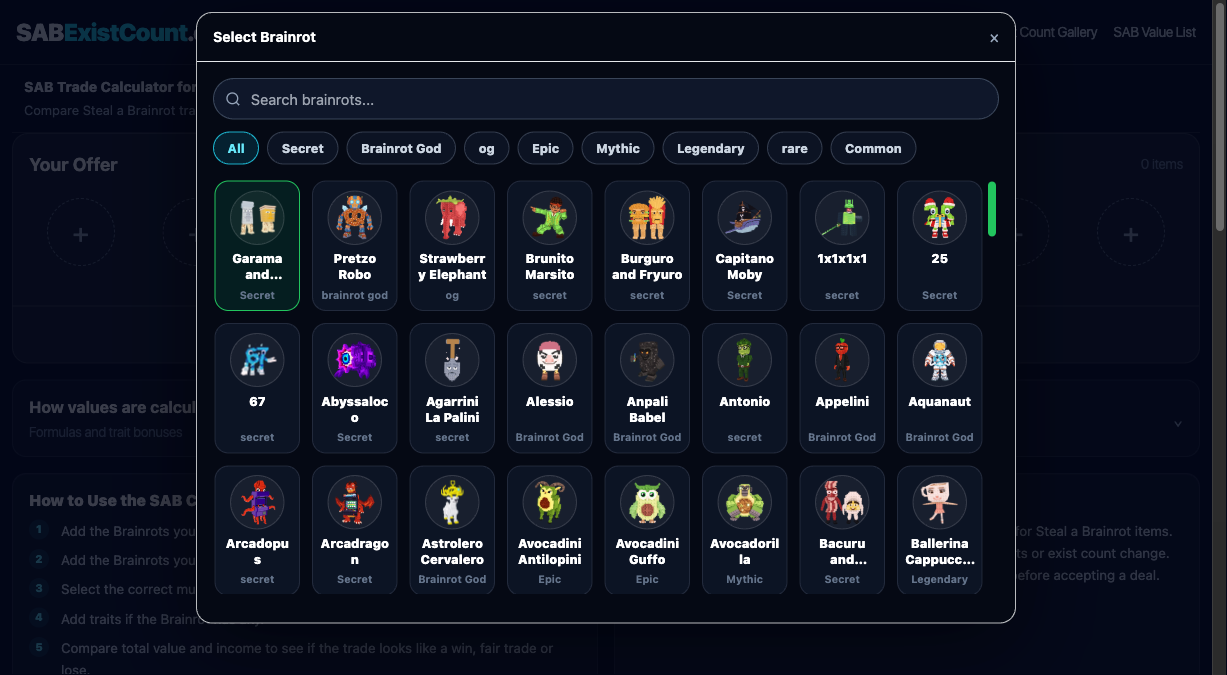
Use the picker to search for the Brainrot you want to add to either side of the trade.
Step 1: Choose the Brainrot and Mutation
After selecting a Brainrot, choose its mutation. Mutation is important because it can change income and estimated trade value.
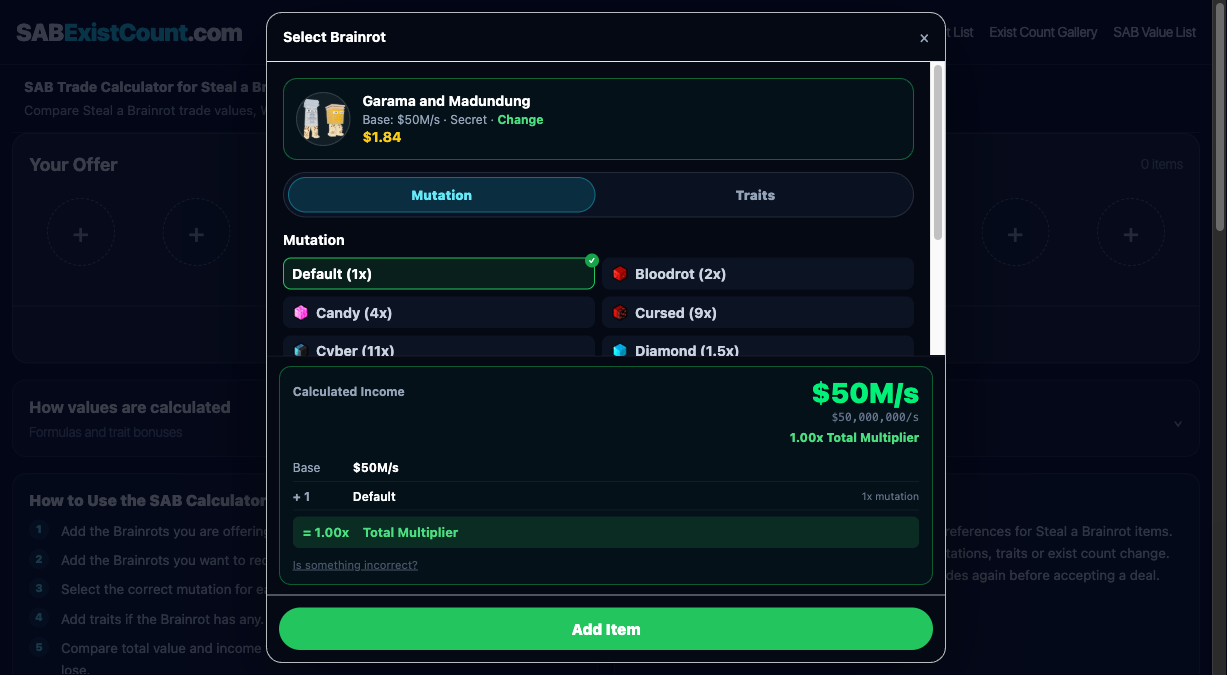
Select the correct mutation before comparing the trade result.
Step 2: Add Traits and Check Income
If the Brainrot has traits, add them before saving the item. Traits can change the calculated income and may also affect estimated value.
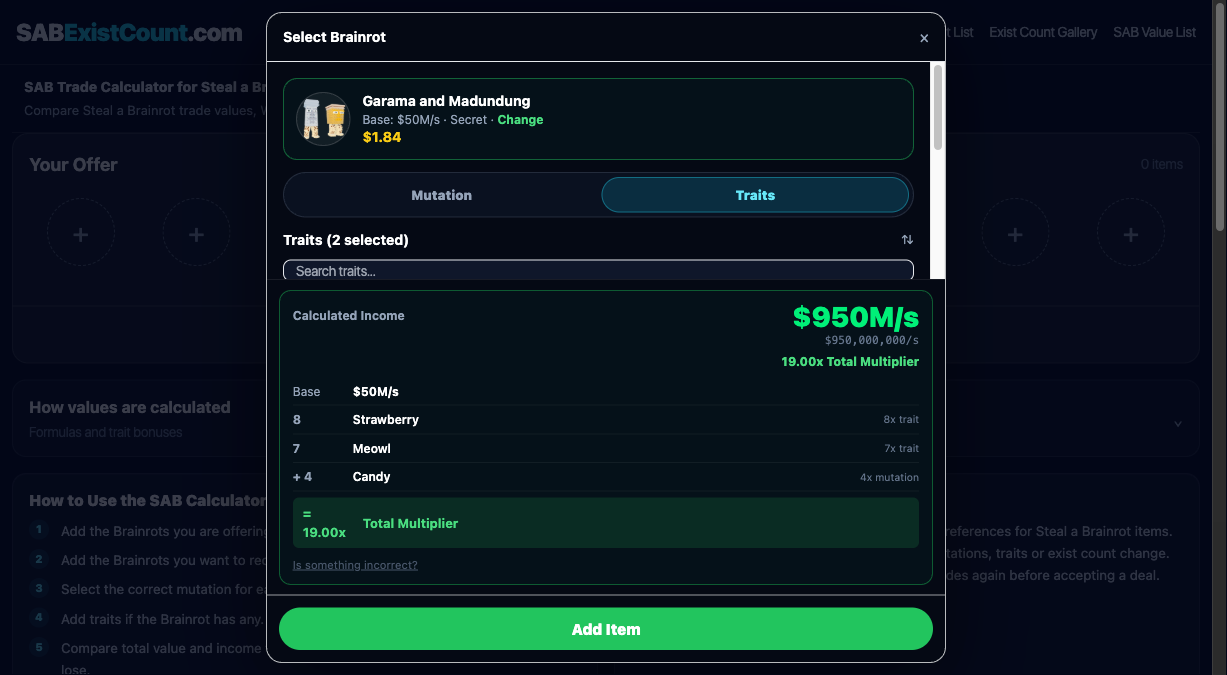
Traits update the calculated income and total multiplier before the item is added to the trade.
Step 3: Compare Both Sides and Read WFL
Once both sides are added, the calculator shows income difference, value difference and the WFL result. WFL means Win, Fair or Lose.
A win means the receive side appears stronger, a fair result means both sides are close, and a lose means your offer may be worth more than what you receive.
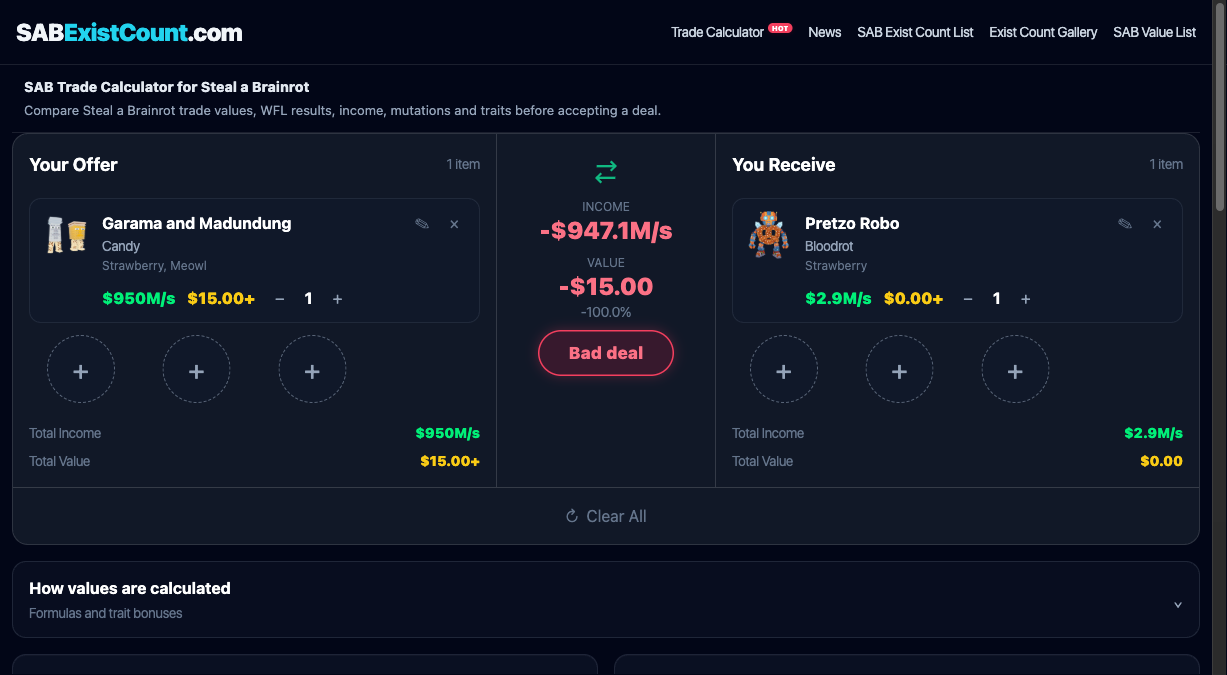
The WFL result appears after the offer and receive sides both have items.
SAB Trade Tips Before Accepting a Deal
- Compare both SAB value and income.
- Check mutation and traits before judging a Brainrot trade.
- Use exist count as an extra rarity signal.
- Be careful when a trade looks too good to be true.
- Recheck values after major game updates.
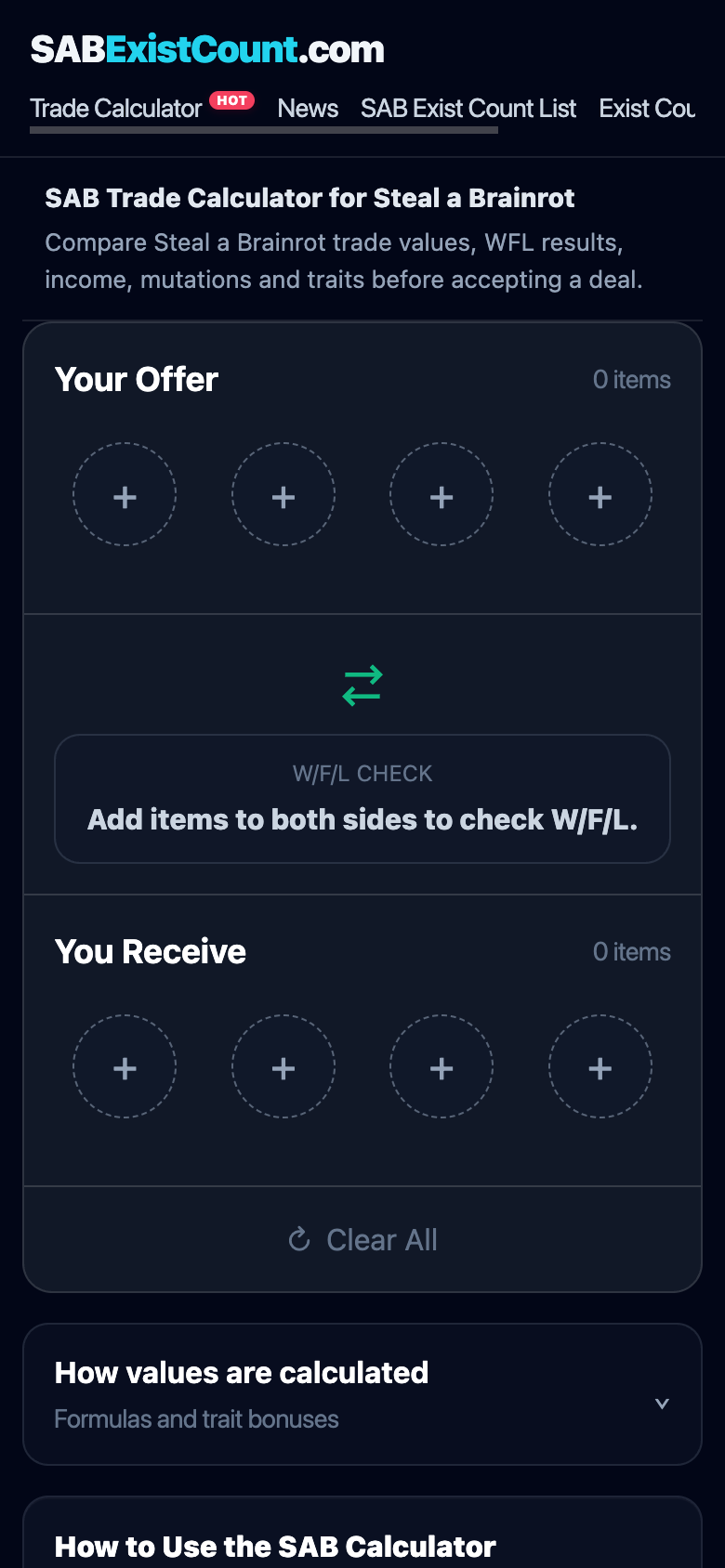
On mobile, the calculator stacks the offer, result and receive sections vertically.
FAQ
What is a SAB trade calculator?
A SAB trade calculator is a tool that compares both sides of a Steal a Brainrot trade and estimates whether the result looks like a win, fair trade or lose.
Is this a SAB value calculator?
Yes. It works as a SAB value calculator by comparing estimated trade value, income, mutation and trait effects for the Brainrots in a trade.
Can I use it as a Brainrot calculator?
Yes. You can use it as a Brainrot calculator for trades because it lets you choose a Brainrot, mutation and traits before calculating the result.
What does SAB value mean?
SAB value is an estimated player-to-player trade reference for Steal a Brainrot items. It is not an official price and can change with demand, rarity and updates.
How do I know if a SAB trade is fair?
A SAB trade is usually fair when both sides have similar total value and income. You should also check mutation, traits, demand and exist count.
Is the SAB Trade Calculator free?
Yes. The SAB Trade Calculator is free to use for checking Steal a Brainrot trades before accepting a deal.
Open the SAB value calculator or use it as a Brainrot calculator for trades when you want to compare a trade before clicking accept.