Steal a Brainrot Simulator vs Rob Brainrot 2: Which Free Browser Game Should You Play?
Compare SAB Exist Count's two free browser games: the complete Simulator loop and the faster Rob Brainrot 2 experience with a Shop, Weapons, and Luck Spin.
Social Share or Summarize with AI
On this page
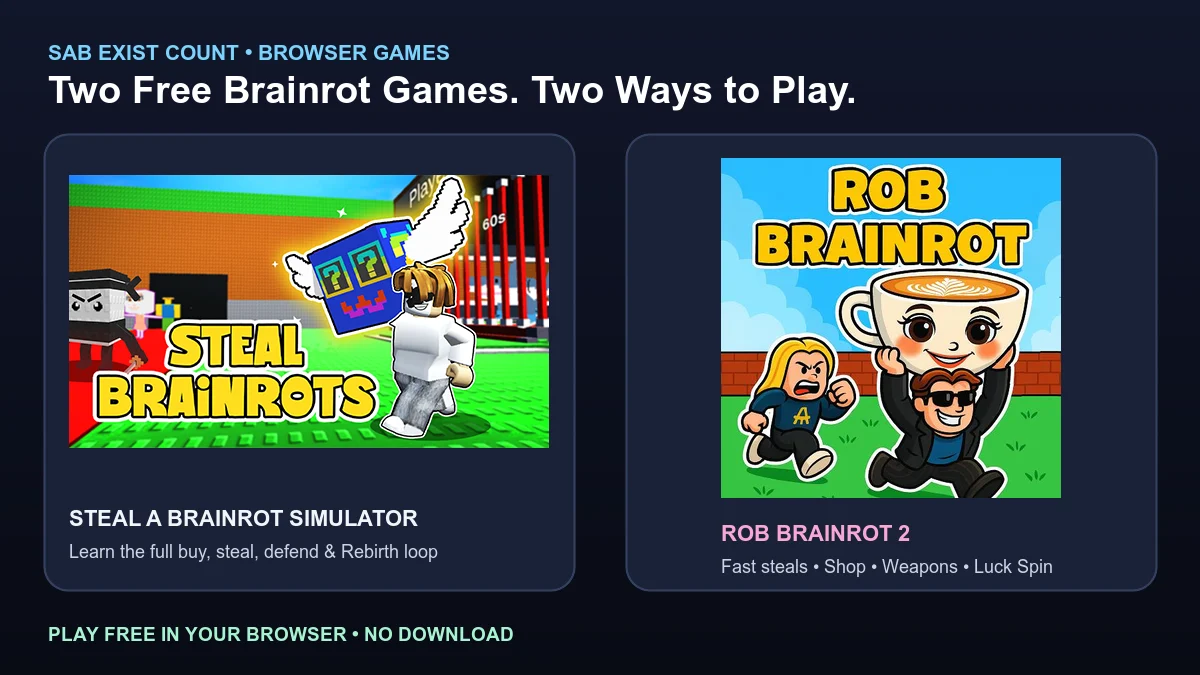
SAB Exist Count now has two free browser games you can play without a download: Steal a Brainrot Simulator and Rob Brainrot 2. Both use the familiar buy, rob, defend, and earn idea, but they are built for different kinds of sessions.
Steal a Brainrot Simulator is the better starting point if you want to learn the complete loop. Rob Brainrot 2 moves faster and adds a Shop, Weapons, and a Luck Spin for players who want a shorter rob-first run. You can find both on the SAB browser games page.
Both games are free, unofficial browser versions. They are not the Roblox client and are not affiliated with Roblox or the game developers. Browser progress, items, and codes do not transfer to a Roblox account.
Steal a Brainrot Simulator vs Rob Brainrot 2
| Feature | Steal a Brainrot Simulator | Rob Brainrot 2 |
|---|---|---|
| Best for | Learning the complete buy, steal, defend, and Rebirth loop | Quick rob-and-earn sessions with more combat and spending choices |
| Main loop | Buy from the conveyor, protect your base, steal, earn, and Rebirth | Rob brainrots, carry them home, earn cash, and spend it quickly |
| Extra systems | Base locks, permanent Rebirth boosts, and extra base slots | Shop, Weapons, and Luck Spin |
| Mobile layout | Standard landscape player | Portrait player on small screens for a taller mobile play area |
| Download required | No | No |
1. Steal a Brainrot Simulator
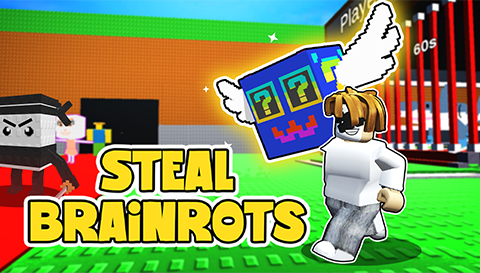
Play Steal a Brainrot Simulator if you are new to this style of game or want time to understand every system. Start at your base, follow the tutorial, and buy an affordable brainrot from the red conveyor. Once it reaches your base, it starts generating cash.
Buying and earning
Watch the conveyor, choose a brainrot you can afford, and interact with it before another buyer takes it. A purchased brainrot walks back to your base and earns cash after it is placed. Better income gives you more options for later purchases and Rebirth requirements.
Stealing and defending
Unlocked bases can be entered. If another player leaves a base open, you can take a brainrot and carry it home, but carrying one makes the return trip risky. Your own base follows the same rule, so relock it before shopping or raiding and watch for the shield timer to expire.
Rebirth
Rebirth trades your current cash and brainrot collection for permanent progress. Depending on the browser build, rewards can include a stronger income multiplier, a longer base lock, and extra base slots. Requirements increase as you advance, and exact browser-version balance can differ from Roblox.
Controls
- Move with WASD or the arrow keys.
- Press E to buy, steal, or place a brainrot.
- Use left click to attack, Space to jump, and G to teleport home.
- On mobile, use the on-screen movement stick and tap controls.
The first launch downloads a larger browser game package, so keep the tab open until the tutorial appears. Desktop browsers are usually steadier for carrying brainrots and defending raids.
2. Rob Brainrot 2
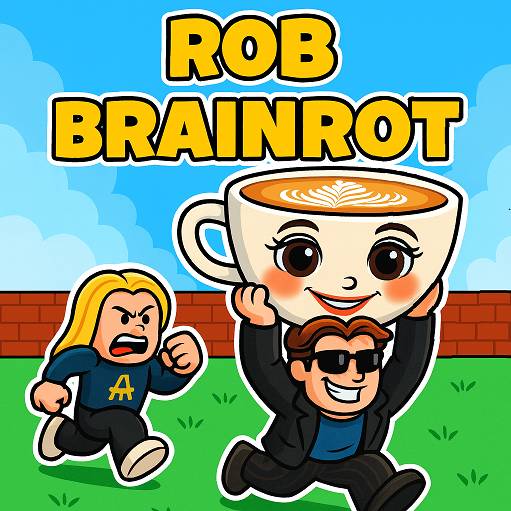
Play Rob Brainrot 2 when you want a shorter session. Grab a meme brainrot from the conveyor, carry it to your base, place it so it earns cash, and look for the next steal while other bases are unlocked.
Shop, Weapons, and Luck Spin
Rob Brainrot 2 gives you more ways to spend cash during a run. The Shop creates a quick upgrade loop, Weapons add reach during raids and defensive fights, and the Luck Spin offers another way to roll for an advantage instead of waiting only on conveyor income.
Exact drops, prices, and cash amounts can change with the browser build. Treat these systems as part of the faster combat-and-shop format, not as confirmed Roblox balance information.
Mobile play
On screens up to 640 pixels wide, Rob Brainrot 2 uses a tall 9:16 player so its portrait-oriented game area has more usable space. Desktop and fullscreen play keep their wider layouts. A desktop browser can still be more reliable if the game package does not finish loading on a phone.
Which Game Should You Play First?
Choose Steal a Brainrot Simulator first if you want a tutorial-style introduction to conveyor purchases, base locks, stealing, defense, and Rebirth. Its longer progression loop makes the relationship between earning cash and protecting a collection easier to understand.
Choose Rob Brainrot 2 if you already understand the basic idea or want a faster game. The Shop, Weapons, and Luck Spin add immediate decisions between steals, so a short session has less waiting and more action.
Browser Games vs Roblox
These browser games are separate from Roblox. They do not open the Roblox client, use your Roblox inventory, or transfer Rebirth progress between accounts. Local browser progress may also disappear if you clear site data, change browsers, or move to another device.
Codes listed on SAB Exist Count are for Steal a Brainrot on Roblox, not for either browser player. Check the Steal a Brainrot Codes page for current Roblox codes and redeem them inside Roblox.
Check Exist Counts, Values, and Trades
The browser games are for play and practice; they do not provide live supply or official prices. Use the SAB Exist Count List to check tracked supply and the SAB Value List for current community market references.
When comparing a complete Roblox trade, enter both offers in the SAB Trading Calculator. Confirm each Brainrot, mutation, and trait instead of treating a browser-game reward as a real Roblox item.
Frequently Asked Questions
Are both browser games free?
Yes. Steal a Brainrot Simulator and Rob Brainrot 2 can both be loaded for free in a browser without creating an SAB Exist Count account.
Do I need to download either game?
No separate installer is required. The games download their browser packages after you press Play, so the first load can take longer.
Are these the official Roblox games?
No. They are unofficial browser versions and are not affiliated with Roblox or the game developers.
Does browser progress save?
Progress can remain when a game stores it in your current browser. Clearing site data, changing devices, or using another browser can reset it. Browser progress is not Roblox account progress.
Can I play on mobile?
Yes. Both games provide browser controls for mobile. Rob Brainrot 2 also uses a taller portrait player on small screens, while desktop can be more reliable for loading and precise controls.
Do Roblox Codes work in these browser games?
No. Codes on SAB Exist Count are intended for the Roblox game and are not redeemed in these browser players.
Which game should a new player try first?
Start with Steal a Brainrot Simulator to learn the complete loop. Choose Rob Brainrot 2 when you want a faster session with shopping, weapons, and a luck-based spin.